Example: correcting a home page title
Every time somebody saves a home page, this automation reads the title, and then does one of two things: it corrects an obvious typo and adds one matching emoji, or — if the wording is a judgement call — it leaves the title alone and asks a person.
It is a small automation that happens to contain almost everything: an agent that decides, a condition on an edge, a guarded write, a person in the loop with approve / edit / reject, and a guard so the automation does not react to its own writing.
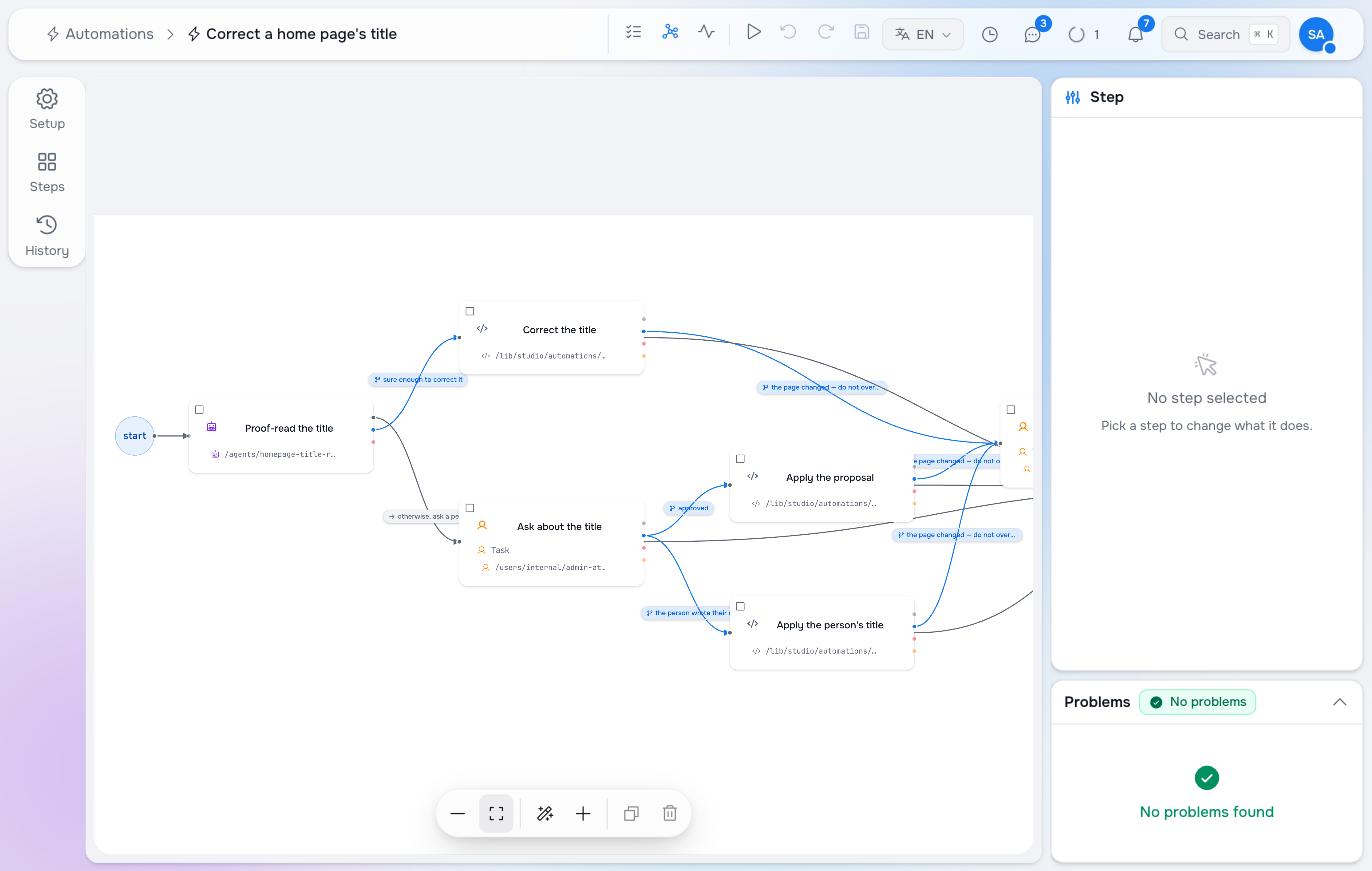
What it does
- A page in
storiesis updated. - Proof-read the title — an agent reads the current title and answers with a small fixed shape: the corrected title, an emoji, a confidence, and whether it wants a human.
- Sure enough to correct it → Correct the title writes the corrected title plus one emoji.
- Otherwise, ask a person → Ask about the title puts a task in the Inbox with the original, the proposal and the reason.
- From the task: approved → Apply the proposal; the person wrote their own → Apply the person’s title; rejected → nothing is written and the run ends.
The two things that make it safe
It only touches home pages. A trigger filters by workspace and node type — there is no archetype filter, and putting an archetype into the node types matches nothing at all. The restriction is a condition on the first connection:
steps.__subject.subject_archetype == "standard:HomePage"A test on the path, like node.path.includes('HomePage'), is not the same thing: it matches any page somebody happened to name that way, and misses the real home page.
It refuses to overwrite a newer edit. Every writing step passes the value it decided about, and the version it saw, to the write. If somebody edited the title while the agent was thinking — or while the task sat in an Inbox overnight — the write is refused rather than applied, and the run reports a conflict instead of quietly undoing a person’s work.
Ignore changes made by automations is on. Without it, the automation’s own correction would look like an update and start the whole thing again.
Uncertainty is a feature
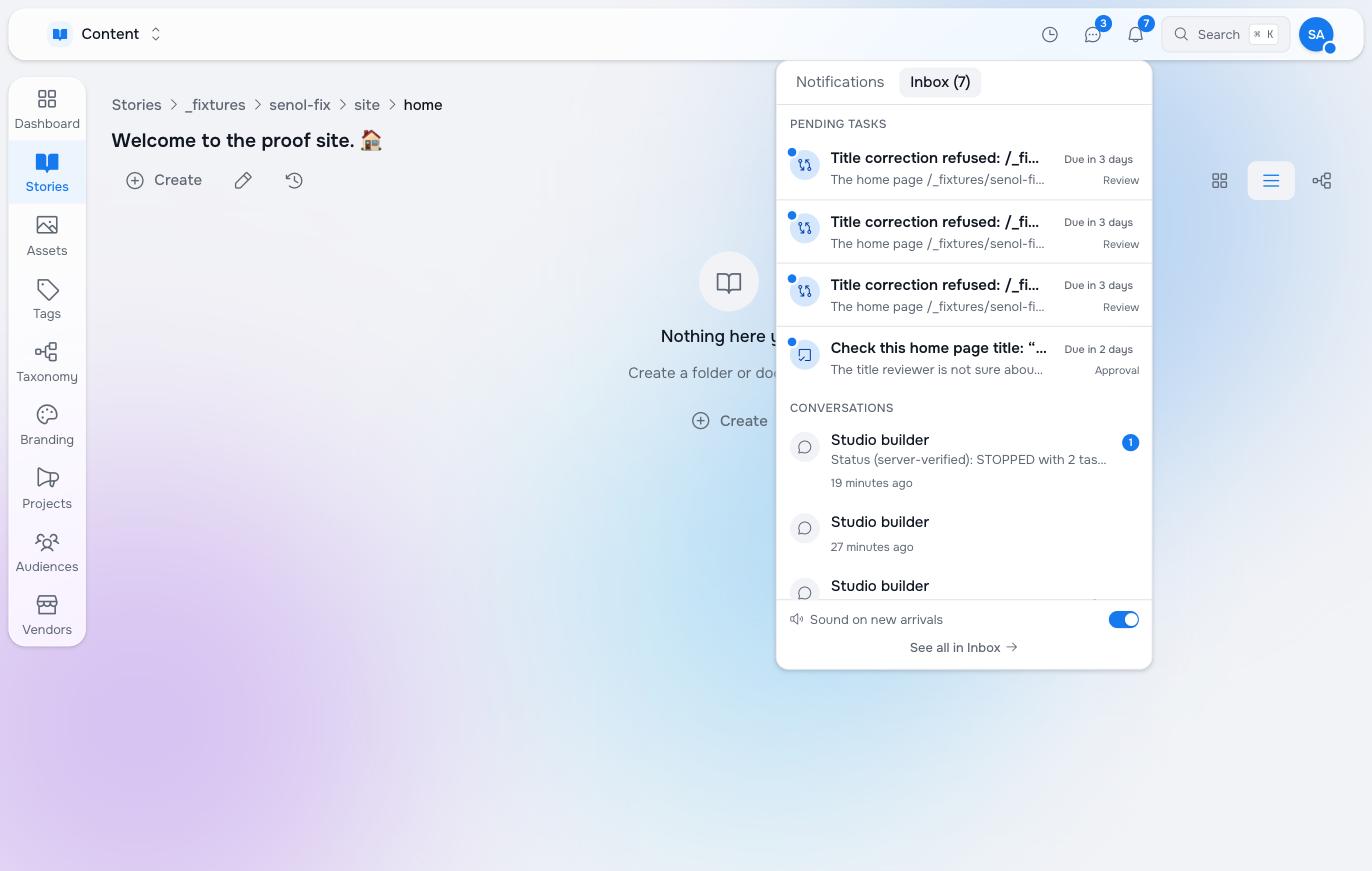
The agent is asked for a confidence and for an explicit “I want a human” flag, and the branch reads both. A borderline title — a brand name that looks like a misspelling, a second language, a deliberate piece of styling — goes to a person. So does an answer that arrives in the wrong shape: a malformed reply routes to the human branch rather than to a write.
That is the setting most worth tuning. Raise the threshold and more lands in the Inbox; lower it and more is corrected silently.
What a correction looks like
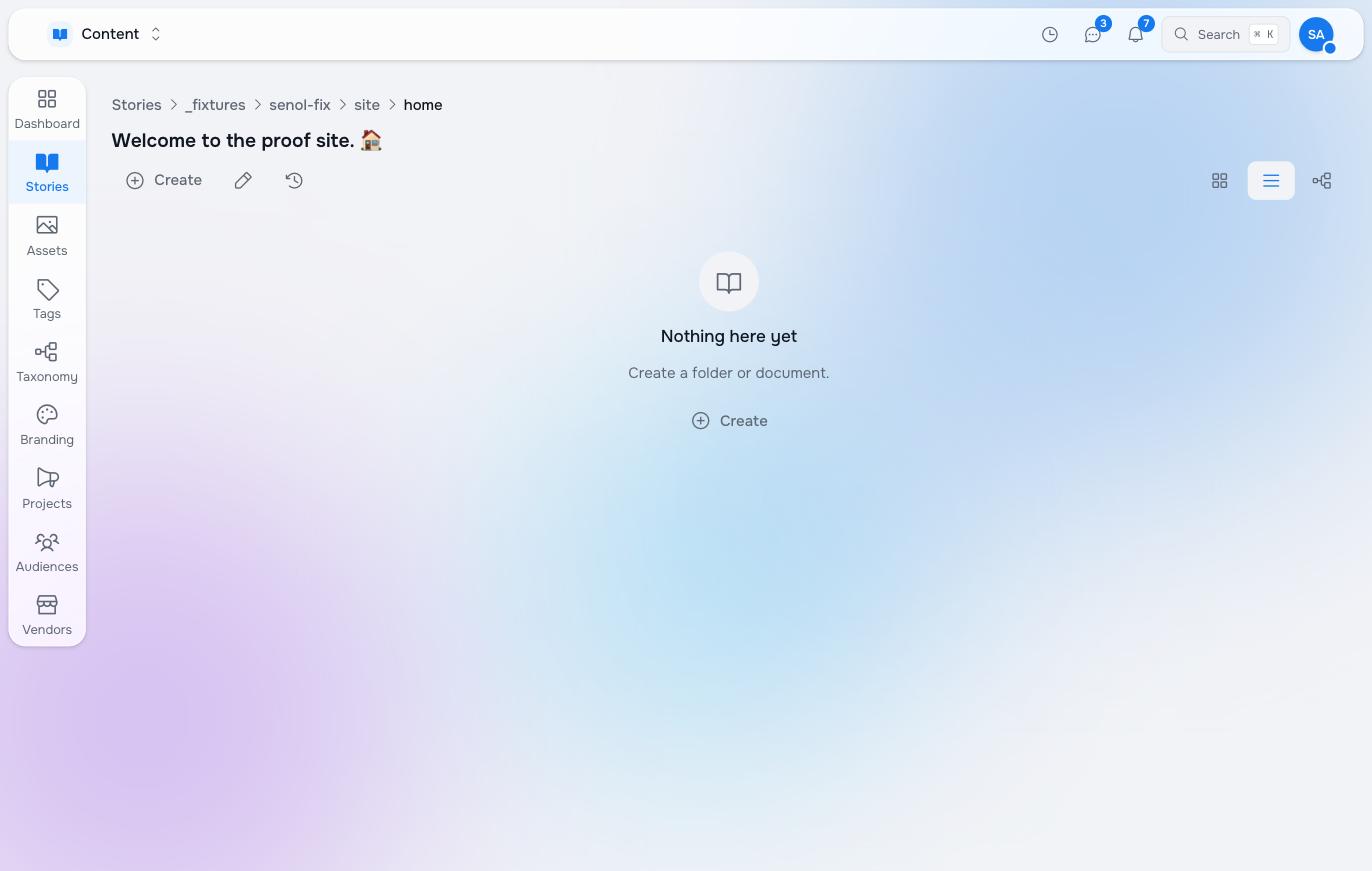
The page’s history shows the change was made by the flow and its trigger, not by a person — automations are attributable, and the “ignore changes made by automations” guard reads that same attribution.
One emoji, never a growing row of them: a title that already ends in a matching emoji is left exactly as it is, and so is a title with nothing wrong. An automation that runs and decides to do nothing is working correctly.
Building it by talking
You can draw this yourself in the editor, or describe it to Studio Builder:
On update of each home page, check the title for typos. When you are confident, correct it and add a matching emoji, then update that page. When you are not sure, ask a human.
Builder discovers which node type and archetype your home pages actually use rather than guessing from the words in the request, and writes the same automation you see above — which you then read, run and switch on yourself.
Pilot documentation. Studio is in a partner pilot. Screens and YAML shown here are current as of the version noted on each page; tell your Maravilla contact when something does not match what you see.